

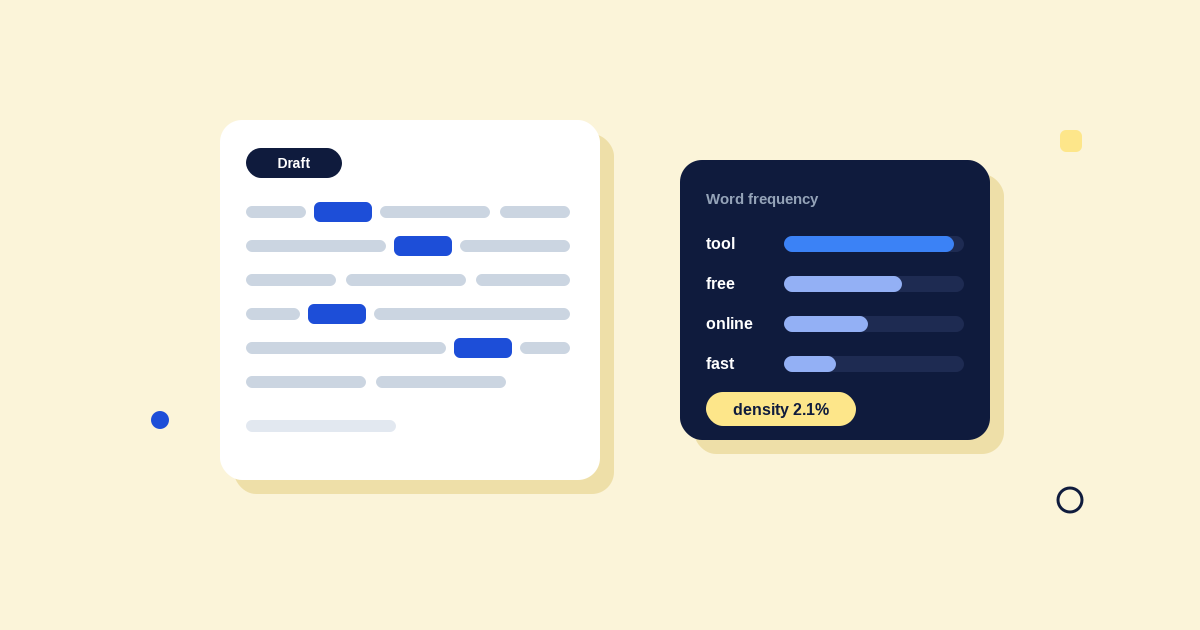
Repeated wording can make a useful article feel tiring. A frequency report helps you notice those repetitions, but the numbers need context: a product manual may legitimately repeat a product name, while a short introduction may repeat a vague word unnecessarily.
The Word Frequency Counter ranks individual words and shows their share of the analyzed text. Use it as an editing aid, alongside a normal reading of the draft, rather than as an SEO score.
Understand the density calculation
For a single word, the basic calculation is:
density percentage = occurrences / analyzed tokens * 100
If caption appears 12 times among 600 analyzed tokens, its density is 12 / 600 * 100 = 2%. That calculation describes the sample; it does not say whether the writing is good or whether a search engine will rank it.
The denominator must be clear. This tool keeps all analyzed tokens in the denominator even when common English stop words are hidden from the leaderboard. Hiding rows makes the report easier to scan without inflating every remaining percentage.
Analyze a draft step by step
- Paste the article's plain text into the input area.
- Decide whether to hide common English stop words.
- Choose case-sensitive counts only if capitalization differences matter.
- Decide whether standalone numbers belong in this review.
- Select a leaderboard size and run the analysis.
- Inspect the most frequent words, then return to their sentences in the draft.
Selecting the top 10, 20 or 50 changes the displayed rows, not the underlying denominator. The JSON export contains the displayed results, so keep that selection in mind when sharing a report.
If you only need overall length, the word and character counting tutorial explains that simpler task. A frequency table answers a different question: which words account for that length?
Read the leaderboard with context
Imagine a tutorial about subtitle captions. Repeated uses of subtitle and caption may be necessary to explain the topic accurately. A repeated phrase such as really useful, however, may signal opportunities to replace vague emphasis with an example.
Read the full sentence before editing. Prefer removing duplication or adding a concrete explanation over swapping in a different word solely to reduce its count. Synonyms can change meaning, especially in technical writing where similar terms have distinct definitions.
For controlled replacements, use the find-and-replace walkthrough and inspect the affected sentences. A global change can unintentionally alter quotations, names or part of a longer word.
There is no universal two-percent rule
A density percentage is not a pass/fail threshold for search visibility. Google's spam policies describe keyword stuffing as unnatural repetition intended to manipulate rankings; they do not prescribe a universal safe percentage for every page.
A short glossary and a long narrative need different vocabulary patterns. Review whether a term is serving the reader at each occurrence. Do not add unnecessary paragraphs just to increase the denominator or force a target phrase into headings that do not need it.
Understand tokenization and filtering
This tool uses browser word segmentation with Unicode support and English word-boundary rules. It normalizes supported text forms and generally treats punctuation as a boundary, rather than deleting punctuation and joining neighboring words.
The Intl.Segmenter documentation explains why segmentation is more deliberate than splitting text at every space. Browser Unicode versions can still produce differences, so compare results using the same tool and settings.
The English stop-word filter is a fixed list, not language detection. Disable it when reviewing another language or when a hidden word matters. Singulars, plurals and synonyms remain separate; this report does not group them by meaning or count multiword keyword phrases.
Use a practical revision workflow
Analyze the original, choose two or three questionable repetitions, edit their surrounding sentences and analyze the revised draft with the same settings. Keep the original report if you want a fair comparison.
For a transcript, first remove subtitle metadata using the SRT-to-text guide; otherwise numbers and timing fragments can distract from the writing. For a short social opening, finish with the character and truncation preview workflow.
Frequently asked questions
Does hiding stop words change the total used for density?
No. It hides leaderboard rows without shrinking the analyzed-token denominator.
Does the tool detect plagiarism or guarantee SEO quality?
No. It counts single-word repetition. Originality, factual accuracy, usefulness and search performance need separate review.
Why do another editor's counts differ?
Segmentation rules, numeric-token settings, casing and Unicode handling can differ. Compare settings before treating a difference as an error.