

Loading the interface. JavaScript is required; controls stay disabled until ready.
Paste your JSON below, then format, minify or check it for errors.
Format, minify or convert your JSON, then copy or download the result.
0 / 1,000,000 input units
Native JSON parsing, never eval. Unsafe large integers are rejected; decimals use JavaScript number precision. Duplicate object keys keep the last value. Maximum 1,000,000 input units and 100 nested containers.
How to use
Paste JSON or open a local JSON file. Choose Format, Minify or Validate, or select CSV, XML or YAML and Convert JSON. Copy or download your result.
Examples & use cases
Make an API response readable or remove unnecessary whitespace from a configuration payload.
About this tool
Uses native JSON parsing, never eval. Comments and trailing commas are rejected. Duplicate keys keep the last value. Unsafe integers, non-finite numbers and numeric underflow are rejected; other numbers use JavaScript precision. Input is capped at one million UTF-16 units and 100 nested containers. Local files support up to 4 MB and one million text units. CSV accepts objects or lists of objects and protects formula-like spreadsheet cells; nested values remain JSON text. XML uses typed value/item elements. Downloads use the source filename with the selected extension.
Questions & answers
How should large numeric identifiers be represented?
Use quoted strings for identifiers outside JavaScript’s safe integer range. This formatter rejects unsafe integer values rather than silently presenting rounded identifiers as exact.
Format or minify a JSON document
JSON formatting makes nested data easier to read without intentionally changing its values. Validation checks whether the input is accepted as JSON; it does not check an API contract, database schema or the business meaning of a field.
A practical example
The object {"name":"Ada","active":true} can be expanded with indentation for review, or minified again to remove unnecessary whitespace. Select the indentation and the action you need. A quoted string such as "00123" is different from the number 123, so preserve identifier types instead of converting them for appearance.
Fix JSON syntax before relying on a result
JSON property names and strings require double quotes. Comments, trailing commas and JavaScript expressions are rejected. A validation error is a prompt to inspect the source, not permission to guess missing data. Duplicate keys keep their last value under native parsing, so formatting is not a lossless audit of repeated object members.
Protect large numbers and original data
JavaScript cannot represent every large integer exactly. This formatter rejects unsafe integers, non-finite values and numeric underflow; other numbers retain JavaScript precision limits. Use quoted strings for large identifiers and keep an untouched source copy. The input is bounded to one million UTF-16 units and 100 nested containers, so divide oversized data into valid standalone documents.
Choose your next task
- JSON to .env extractor: Flatten supported configuration values into environment-variable pairs.
- .env to JSON converter: Build JSON from supported environment assignments.
- Text compare tool: Review two formatted versions as plain text.
Learn how to use this tool

How to Convert .env to JSON and Back Without Losing Values
Convert flat environment settings without guessing types, then review object and key/value-array outputs before using the result.
About 4 min read
Read guide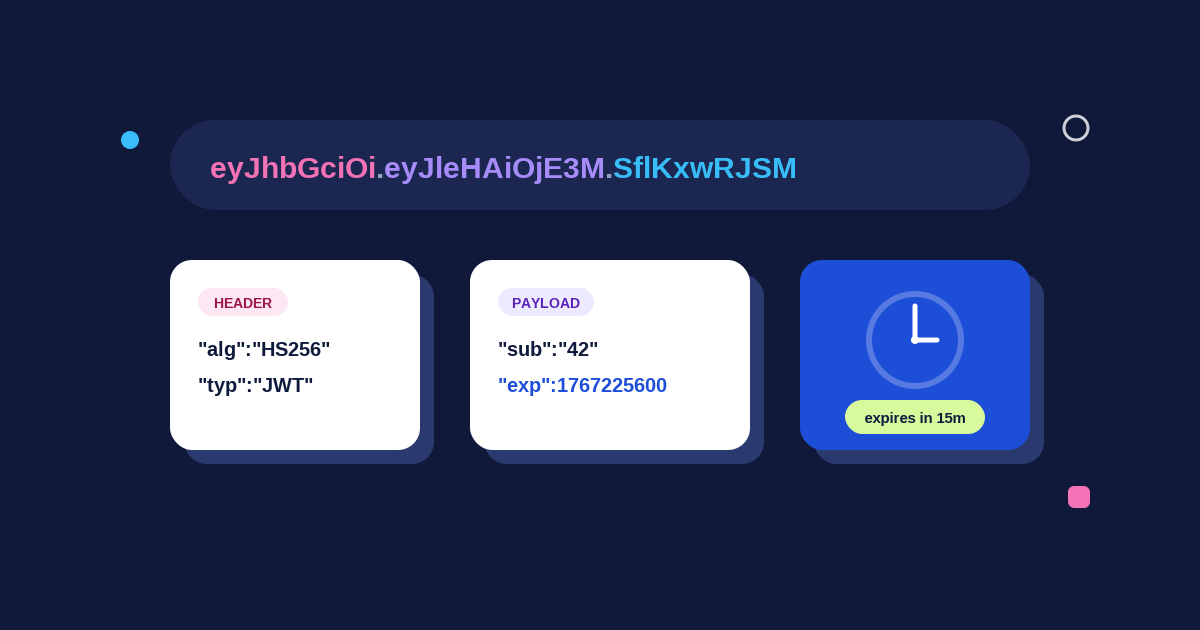
How to Decode a JWT and Check Its Expiry Time
Read JWT time claims, work through a countdown example and separate token inspection from authentication and signature verification.
About 4 min read
Read guide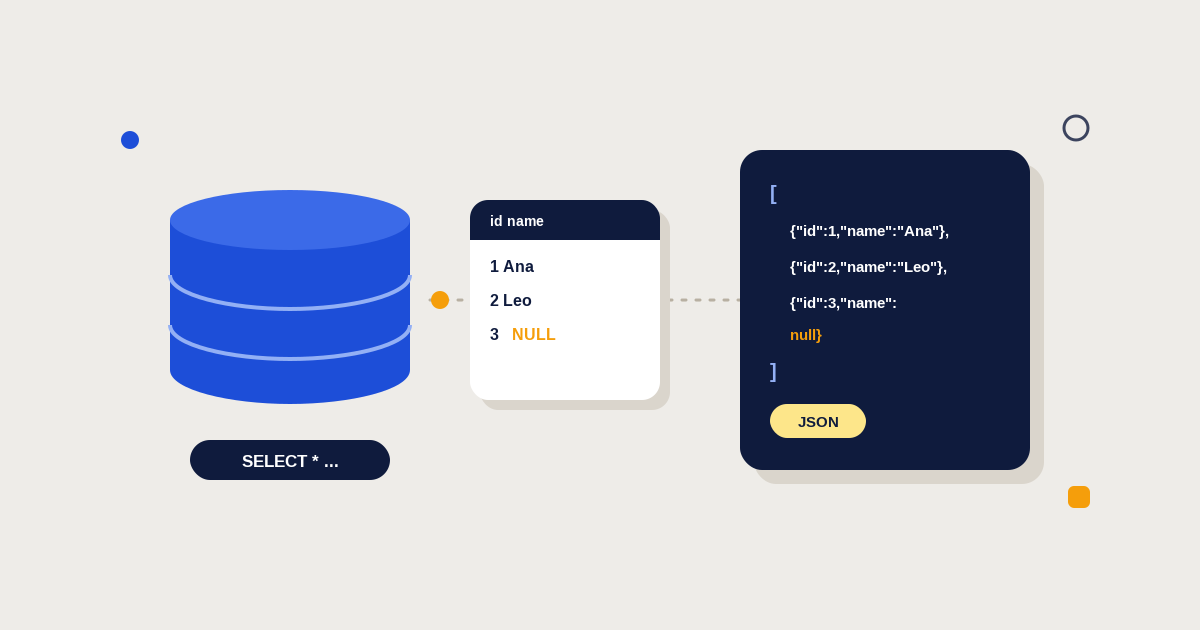
How to Convert SQL Query Results to JSON or Markdown
Reformat exported query results while keeping row structure, identifiers and NULL conventions clear for readers and applications.
About 5 min read
Read guide