

Loading the interface. JavaScript is required; controls stay disabled until ready.
Paste configuration text, or choose Try example to start without secrets.
.env inputValues remain strings, including numbers, true, false and null.
JSON resultSupported syntax and privacy
Maximum 250,000 input characters and 5,000 variables. Keys: letters, digits and underscores; start with a letter or underscore, maximum 128 characters. Supports optional export, empty values, # comments and single/double quoted multiline values. Single quotes are literal. Double quotes decode \n, \r, \t, \\, \" and \$; other backslashes remain literal. Variable references and commands are never evaluated.
JSON input must be a flat object of strings or an array of {"key":"NAME","value":"text"} objects. Duplicate keys, nested values and automatic type coercion are rejected. Comments and original quote style are not preserved. .env output uses double quotes with escaped backslashes, quotes, dollar signs and line breaks. Dotenv dialects differ: check the result against your application's parser. This is not a shell-script converter.
Inputs stay in browser memory and clear when leaving the page. The tool does not read your project's real .env file. Clipboard history, downloads and browser extensions are outside its control. Optional analytics and advertising are disabled on this page.
How to use
Choose .env to JSON or JSON to .env. Paste configuration text and select Convert. Review the result, copy or download deliberately, then Clear both.
Examples & use cases
APP_NAME="My app" and PORT=3000 become string fields: {"APP_NAME":"My app","PORT":"3000"}.
About this tool
Choose a JSON object or an array of key-value pairs. Supports comments, export prefixes, empty values and quoted multiline strings. Duplicate names and unsupported JSON structures are rejected. Variable references stay literal: no interpolation, command execution, uploads or saved inputs. Optional analytics and advertising are disabled on this page. Review the supported dotenv dialect before using output in an application.
Questions & answers
Does this converter send my secrets to a server?
The converter processes text only in browser memory; it does not upload, log or store inputs. Analytics and advertising are disabled on this page. Copying or downloading intentionally makes another copy. Browser extensions, clipboard history and saved downloads are outside the tool control.
Keep values as strings during conversion
Environment assignments are text, even when a value looks like a number or boolean. Converting them to JSON should preserve the intended strings instead of guessing types. This page handles supported flat assignments and a documented dotenv dialect, not every shell script.
A practical example
PORT=3000 becomes a JSON string value rather than automatically becoming a number. An empty assignment is different from a missing key. Choose a JSON object or supported key-value-pair array for output, then review the result before using it with an application that interprets its own variable types.
Quoting is not shell execution
Supported comments, export prefixes and quoted multiline strings are parsed without evaluating variable references or commands. A value containing a dollar reference remains literal. Different dotenv loaders can interpret escapes and interpolation differently, so test the output with the actual loader instead of assuming universal compatibility.
Flat round trips are not nested extraction
Duplicate names and unsupported JSON structures are rejected to avoid silently overwriting configuration. If your source is a nested configuration object, use the separate JSON-to-env extractor with explicit flattening rules. Conversion does not install environment variables or configure a running server. Keep original configuration and secret-bearing copies in the appropriate private location.
Worked example: moving settings into a JSON config
A .env file contains APP_NAME="My Shop", DB_PORT=3306 and DEBUG=false. Converted, it becomes an object with "APP_NAME": "My Shop", "DB_PORT": "3306" and "DEBUG": "false". Notice that the port and the boolean stay strings, because .env files have no data types. If your application expects a real number or true/false value, convert those keys in code after loading them. Replace real secrets with placeholders before pasting a file anywhere.
More questions about the ENV / JSON Converter
Why do numbers and booleans stay as strings?
Environment variables are always text at the operating system level, so a .env file cannot say whether 3306 is a number or a word. Keeping every value as a string avoids guessing wrong, for example turning a ZIP code such as 02134 into 2134. Cast values in your application, as frameworks such as Laravel and Node config libraries do.
How are comments and quotes handled?
Lines starting with # are comments and are skipped. Quotes around a value mark its start and end and are not part of the value, so NAME="Jo Smith" becomes Jo Smith. Use quotes whenever a value contains spaces or a # character, otherwise the rest of the line may be read as a comment.
Is it safe to paste a real .env file here?
The conversion runs in your browser and the text is not uploaded. Even so, .env files often hold database passwords and API keys, so the safest habit is to paste a copy with secrets replaced by placeholders. Never commit a real .env file to Git; commit a .env.example with dummy values instead.
Choose your next task
- Nested JSON to .env extractor: Flatten a nested object with explicit array and null handling.
- JSON formatter: Inspect a JSON result without inferring application semantics.
- How to Convert .env to JSON and Back Without Losing Values: Convert flat environment settings without guessing types, then review object and key/value-array outputs before using the result.
Learn how to use this tool
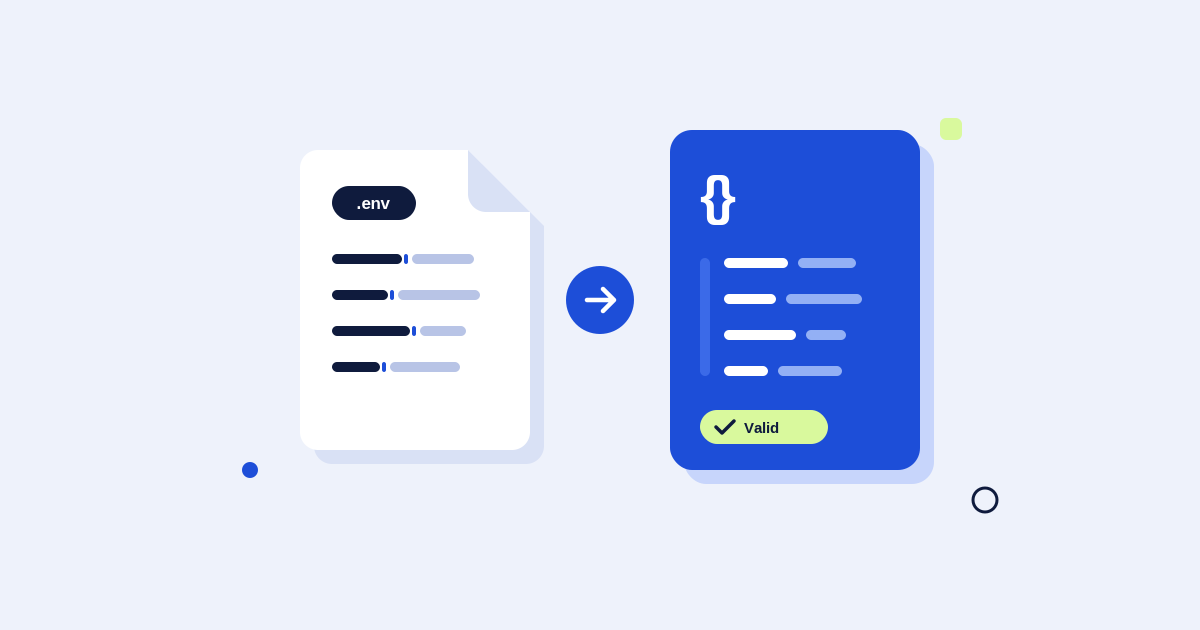
How to Convert .env to JSON and Back Without Losing Values
Convert flat environment settings without guessing types, then review object and key/value-array outputs before using the result.
About 4 min read
Read guide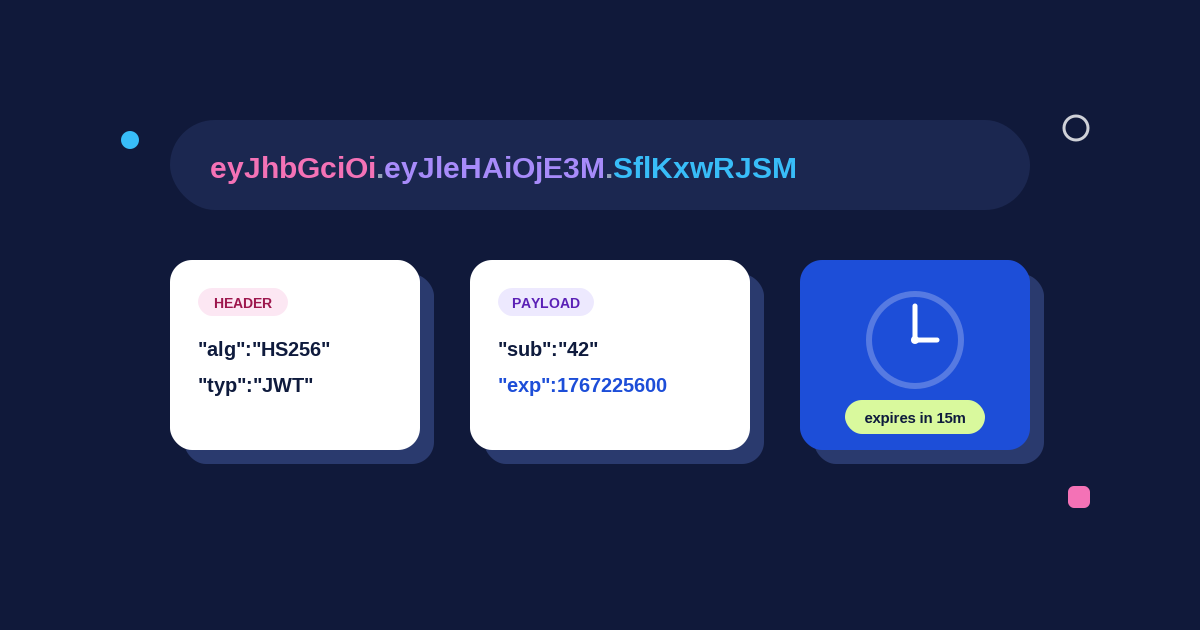
How to Decode a JWT and Check Its Expiry Time
Read JWT time claims, work through a countdown example and separate token inspection from authentication and signature verification.
About 4 min read
Read guide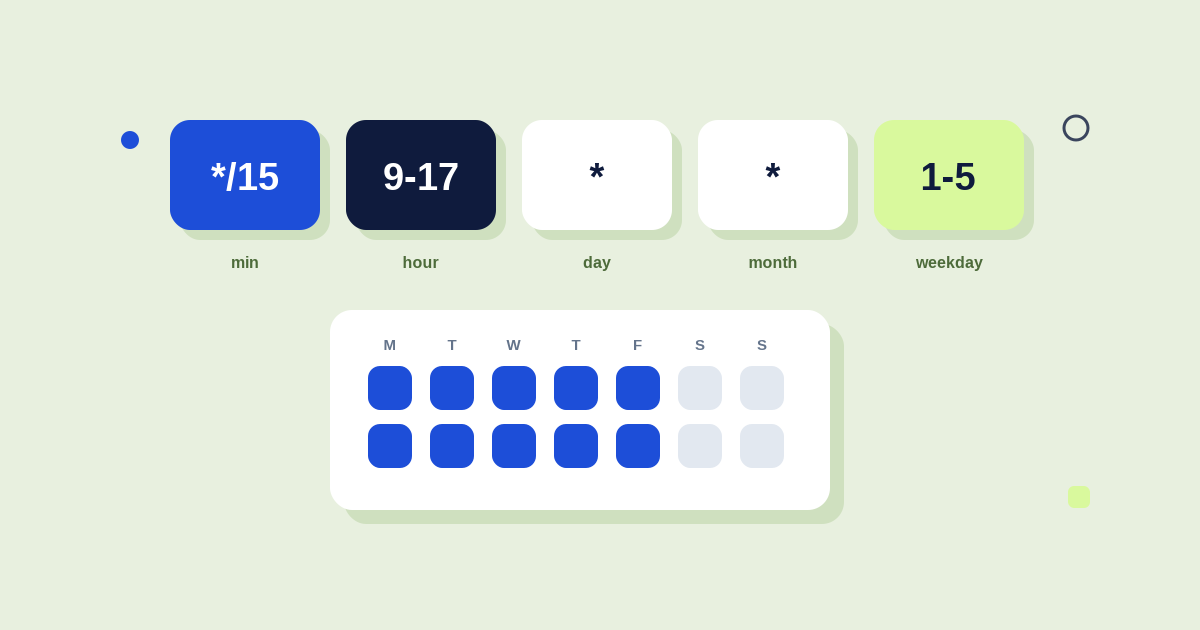
How to Read and Generate Cron Expressions: Five-Field Guide
Build useful recurring schedules and understand the field order, Unix day rules and timezone assumptions before installing a job.
About 4 min read
Read guide