

Loading the interface. JavaScript is required; controls stay disabled until ready.
How to use Scientific Calculator
- Enter the values labelled for this calculation and choose the relevant options.
- Select Calculate to see the primary result, supporting figures and calculation breakdown.
- Review the methodology below. Copy result keeps a plain-text summary; Reset restores the example inputs.
Formula and methodology
Parentheses control grouping. Powers associate right to left; multiplication/division precede addition/subtraction. Unary minus has lower precedence than powers.
A worked example
2^3^2 = 512. In degree mode, sin(30) = 0.5. -2^2 = -4.
Assumptions and limitations
Real finite numbers only. Use explicit multiplication, such as 2*pi. Factorial accepts integers 0 to 170. Expressions are limited to 512 characters and 32 nesting levels. History lasts only for this page session.
Questions and answers
Does this execute JavaScript?
No. Only the supported mathematical grammar is parsed; no eval or dynamic code execution is used.
Check angle units and parentheses
A scientific calculator evaluates an expression according to its syntax and operator precedence. Reliable results start with the intended angle unit and grouping, not just the right numbers. The page evaluates supported finite real-number expressions, not arbitrary program code.
A practical example
In degree mode, sin(30) is 0.5. The same numeric angle in radian mode means something different. Parentheses make a grouping explicit: 2*(3+4) gives 14, while 2*3+4 gives 10. Write explicit multiplication such as 2*pi instead of assuming adjacent symbols will be multiplied.
Understand powers and unary minus
Powers associate right to left, so 2^3^2 means 2^(3^2), giving 512. Unary minus has lower precedence than exponentiation, so -2^2 is -4; (-2)^2 is 4. A surprising answer may therefore reflect expression structure rather than an arithmetic error.
Stay within supported mathematics
Factorial accepts integers from 0 to 170. Expressions are bounded to 512 characters and 32 nesting levels, with real finite results required. Invalid domains or division by zero are not converted into useful finite answers. Session history is temporary; keep any important working separately and use exact fraction arithmetic when a rounded decimal is not sufficient.
Worked example: finding the height of a ramp
A ramp is 6 meters long and rises at 4.8 degrees. Its height is 6 x sin(4.8). With the calculator in degree mode, sin(4.8) is about 0.0837, so the height is roughly 0.50 meters. In radian mode the same keys would treat 4.8 as radians and return about -5.98, which is clearly wrong. When a trigonometry answer looks strange, check the angle mode first.
More questions about the Scientific Calculator
What is the difference between log and ln?
log usually means the base-10 logarithm, so log(1000) is 3. ln is the natural logarithm with base e, about 2.71828, so ln(e) is 1. Base-10 logs appear in pH, decibels and the Richter scale, while natural logs appear in growth, decay and continuous compound interest.
How does the calculator decide the order of operations?
It follows standard precedence: brackets first, then powers and roots, then multiplication and division, then addition and subtraction, working left to right within each level. This is taught as PEMDAS in the US, BODMAS in the UK and BEDMAS in Canada. Add parentheses whenever you are unsure.
How do I enter scientific notation?
Scientific notation writes a number as a value times a power of ten, such as 6.02 x 10^23. Enter it as 6.02 x 10^23 using the power key, or with an E notation if the calculator shows one, as in 6.02E23. Very large or very small results may be displayed in this form automatically.
Choose your next task
- Adult BMI calculator: Restrict BMI content to adult screening arithmetic and documented limitations.
- Fraction calculator: Keep fraction operations exact instead of relying on floating-point decimals.
- Average calculator: Summarize a list rather than writing one expression.
- Percentage calculator: Choose a labelled mode for a percentage problem.
- How to Use a Scientific Calculator Online: Complete Beginner's Guide: A beginner-friendly walkthrough of scientific calculator functions, common mistakes and practical examples for everyday learning.
- How to Calculate Sin, Cos, and Tan Using a Scientific Calculator: Understand trigonometric ratios, choose the right angle mode and solve practical triangle problems with step-by-step examples.
- How to Calculate Logarithms, Powers, and Square Roots Online: Explore powers, roots and logarithms with clear examples, calculator instructions and the mathematical rules connecting them.
Learn how to use this tool

How to Use a Scientific Calculator Online: Complete Beginner's Guide
A beginner-friendly walkthrough of scientific calculator functions, common mistakes and practical examples for everyday learning.
About 7 min read
Read guide
How to Calculate Sin, Cos, and Tan Using a Scientific Calculator
Understand trigonometric ratios, choose the right angle mode and solve practical triangle problems with step-by-step examples.
About 6 min read
Read guide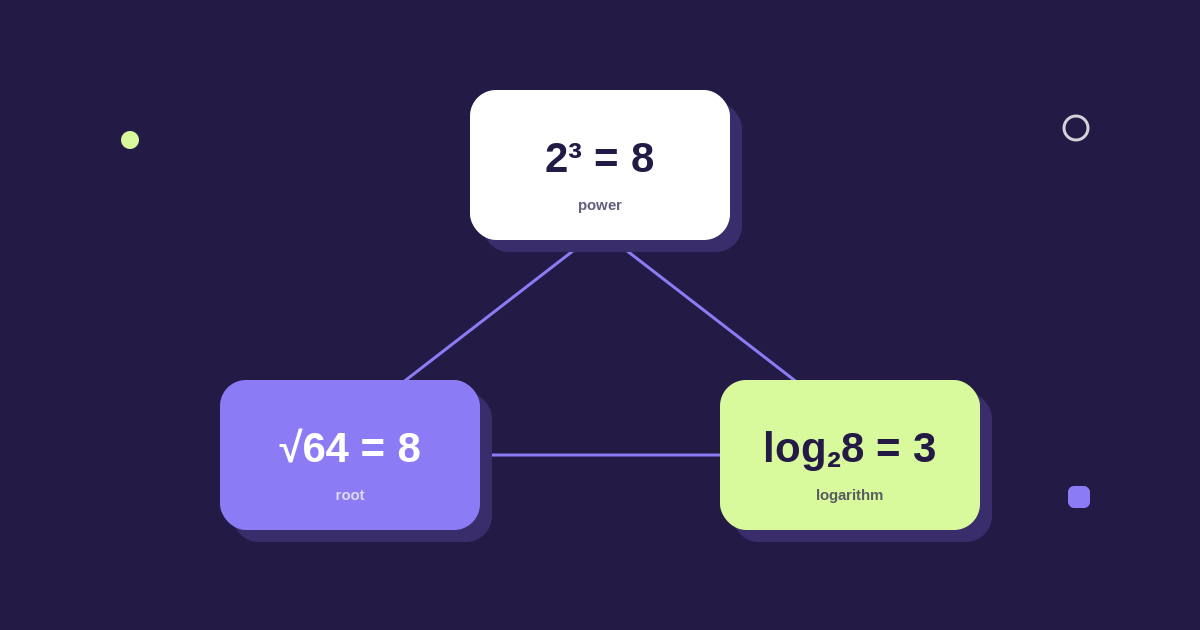
How to Calculate Logarithms, Powers, and Square Roots Online
Explore powers, roots and logarithms with clear examples, calculator instructions and the mathematical rules connecting them.
About 7 min read
Read guide