

Loading the interface. JavaScript is required; controls stay disabled until ready.
Clear totals, useful details and the method behind them.
Fill in your details and select Calculate average. Your result will appear here.
How to use Average Calculator
- Enter the values labelled for this calculation and choose the relevant options.
- Select Calculate to see the primary result, supporting figures and calculation breakdown.
- Review the methodology below. Copy result keeps a plain-text summary; Reset restores the example inputs.
Formula and methodology
Mean = sum / count. Sort the values for the median; an even-sized list uses the average of its two middle values.
A worked example
For 2, 4, 6 and 8: mean 5, sum 20, median 5, count 4.
Assumptions and limitations
Commas and line breaks separate values; blank entries are ignored. Up to 10,000 finite numbers, each between -1 trillion and +1 trillion. Floating-point results are displayed to 12 significant digits.
Questions and answers
Is this a weighted average?
No. All values have equal weight; use GPA for credit-weighted grade points.
Calculate the mean and median
An average summarizes a collection, but different summaries answer different questions. The arithmetic mean uses every value, while the median describes the middle of an ordered list. Read both when a small number of unusually large or small observations could affect the result.
A practical example
For 3, 5 and 16, the sum is 24 and the count is 3, so the mean is 8. The median is 5 after sorting. Both are correct: the larger observation pulls the mean above the middle value. With an even number of values, the median averages the two middle observations.
Prepare the numerical list
Separate values with commas or newlines. A comma is a separator, not a thousands marker, so enter 1000 rather than 1,000 when you mean one thousand. Blank entries are ignored rather than treated as zeros. Enter an explicit zero when it is an actual observation, because adding or excluding zero changes the count and mean.
Know when a simple mean is unsuitable
This tool gives every entry equal weight. It does not compute a credit-weighted GPA, a geometric return or a statistical confidence interval. Percentages from groups of different sizes should not automatically be averaged without their denominators. Floating-point results are displayed to 12 significant digits, so retain original data when exact decimal reconciliation matters.
Worked example: house prices on one street
Five homes sold for 310,000, 325,000, 330,000, 345,000 and 1,200,000. The mean is 2,510,000 / 5 = 502,000. The median, the middle value once sorted, is 330,000. The single expensive sale pulls the mean far above what a typical home cost, which is why property reports in the US, UK, Canada and Australia usually quote median prices.
More questions about the Average Calculator
When should I use the median instead of the mean?
Use the median when the data has a few very high or very low values, such as incomes, house prices or response times. Use the mean when values are spread fairly evenly, such as test scores in a class or daily temperatures, and when you need a total that can be shared out, such as average cost per item.
What is the mode?
The mode is the value that appears most often. In 3, 5, 5, 7, 9 the mode is 5. A data set can have no mode or several. The mode is useful for categories and sizes, for example the most common shoe size sold, where a mean of 8.7 would not be a real size.
How do I calculate a weighted average?
Multiply each value by its weight, add the results and divide by the total weight. If homework is worth 20% and you scored 90, and the exam is worth 80% and you scored 70, the weighted average is 0.2 x 90 + 0.8 x 70 = 74. A simple average of 90 and 70 would give 80.
Choose your next task
- GPA calculator: Weight grade points by course credits instead of averaging equally.
- Percentage calculator: Check rates and denominators before combining percentages.
- Scientific calculator: Evaluate a separate numerical expression.
Learn how to use this tool

How to Use a Scientific Calculator Online: Complete Beginner's Guide
A beginner-friendly walkthrough of scientific calculator functions, common mistakes and practical examples for everyday learning.
About 7 min read
Read guide
How to Calculate Sin, Cos, and Tan Using a Scientific Calculator
Understand trigonometric ratios, choose the right angle mode and solve practical triangle problems with step-by-step examples.
About 6 min read
Read guide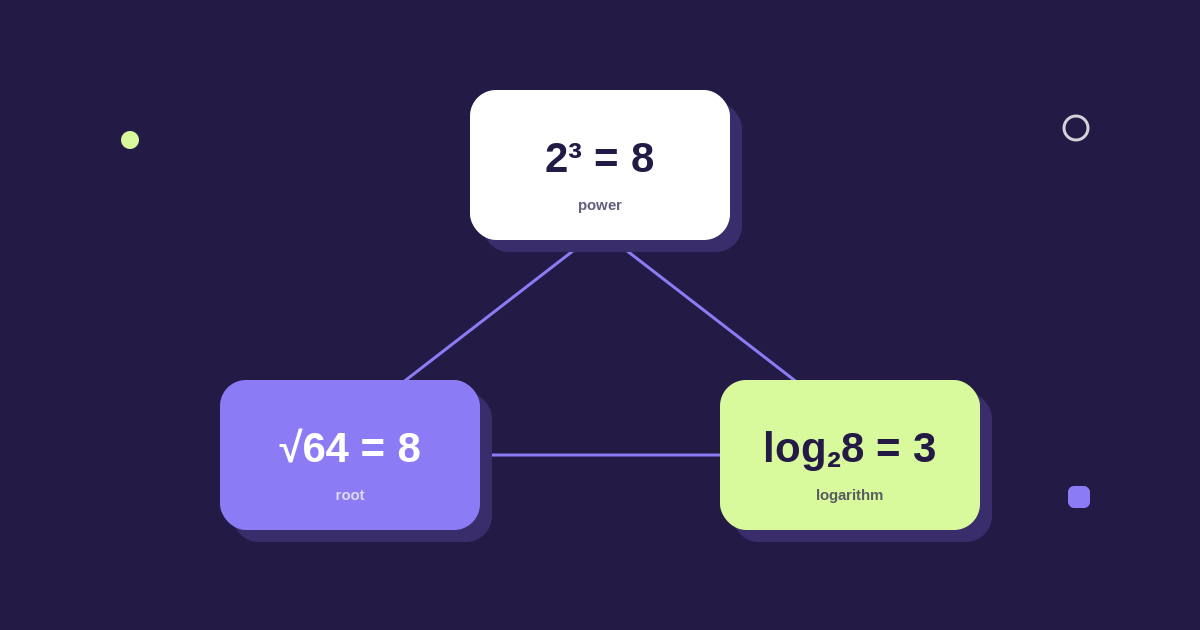
How to Calculate Logarithms, Powers, and Square Roots Online
Explore powers, roots and logarithms with clear examples, calculator instructions and the mathematical rules connecting them.
About 7 min read
Read guide