

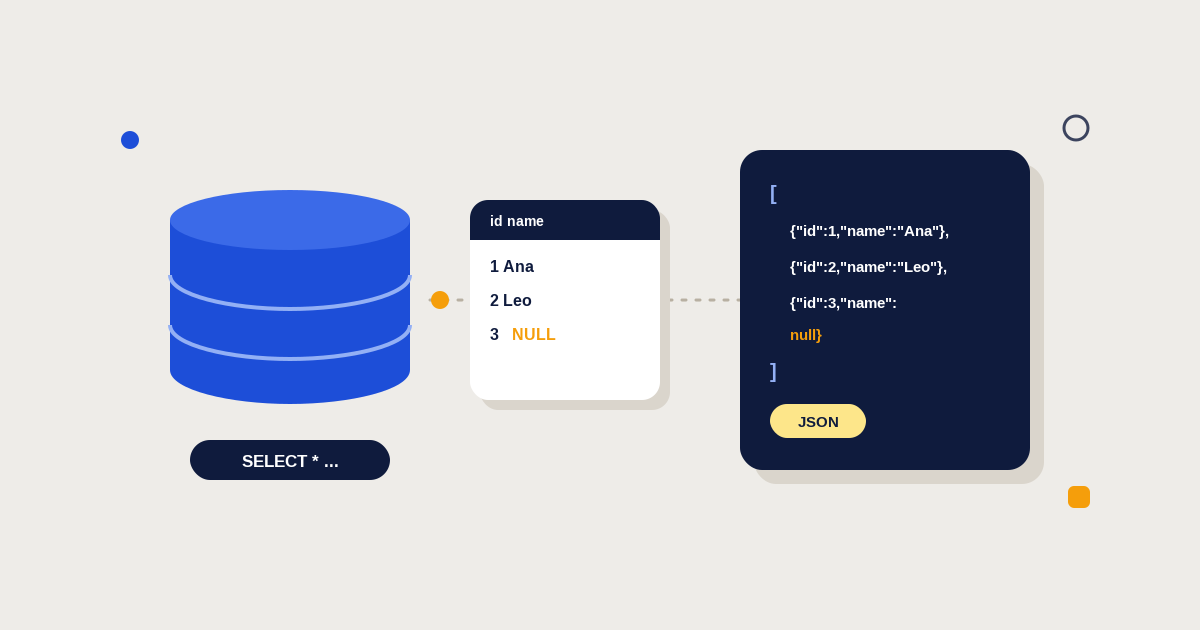
A database query result is often needed somewhere other than the database console: a bug report, a README, an API example or a review note. Reformatting a few rows by hand invites mistakes, especially when identifiers contain leading zeros or an empty cell has a different meaning from NULL.
The SQL Result Converter reformats supported result text into JSON or a Markdown table. It accepts data already returned by a query. It does not run SQL, connect to a database or turn a SQL statement into live results.
Choose the right input format
The cleanest starting point is a CSV or TSV export with one column per field. Supported pipe-separated terminal tables can also work, but visually wrapped rows and literal pipes inside values are harder to interpret reliably.
Consider this simple export:
id,name,plan
001,Demo workspace,Starter
002,Sample workspace,Team
A JSON object-array result keeps the column labels as property names:
[
  {"id": "001", "name": "Demo workspace", "plan": "Starter"},
  {"id": "002", "name": "Sample workspace", "plan": "Team"}
]
Keeping 001 as a string preserves the identifier. A table converter should not guess that every numeric-looking cell is a quantity suitable for arithmetic.
Convert results step by step
- Run the query in your own database client and select only the rows you need to share.
- Export or copy the results with column headers where possible.
- Paste those results into the converter and choose the input format.
- Confirm whether the first row contains headers and review the NULL-marker setting.
- Convert, then inspect the JSON or Markdown output before copying or downloading.
If you accidentally paste a SELECT statement, return to the database client and obtain its results. This tool cannot infer missing rows from a query, and it will not request your connection details.
For a CSV-only documentation task, the CSV to Markdown walkthrough offers a shorter path focused on readable README tables.
Decide how to represent NULL
NULL, an empty string and the literal text NULL can represent different things. A text export does not always preserve those distinctions unambiguously.
For example, a missing optional nickname might be NULL, while an intentionally blank display name might be an empty string. If your source export writes both as empty cells, a later converter cannot reconstruct which meaning each cell originally had.
Choose the converter's NULL-marker option deliberately and examine its rules. Do not enable it simply because a table looks cleaner afterward. PostgreSQL's CSV export documentation illustrates why a database export's quoting and NULL settings matter; other clients can use different conventions.
When precise distinctions matter, configure the export at its source and document the convention alongside the shared sample.
Pick JSON objects or row arrays
Object arrays are easier for readers to understand because values are labeled. The converter requires nonempty, unique header names even when you choose row-array output. If a query returns repeated column names, add aliases in the original query or disable the header option to generate column names. Row-array JSON contains values only; record the column order separately if the receiving application needs it.
For instance, joining two tables can produce two id columns. Naming them workspace_id and owner_id communicates more than allowing one value to replace another in an object.
Once converted, the JSON Formatter can make a larger result easier to inspect. If the JSON describes configuration rather than records, see flattening JSON into environment variables; a row dataset and application settings need different structures.
Watch for terminal display artifacts
A terminal may wrap a long cell onto a new line, trim spaces or display row-count messages. Such output is optimized for a person looking at a screen, not necessarily for lossless conversion.
When a table fails validation, export as CSV or TSV instead of deleting border characters at random. Check that every row has the same number of cells and that quotation marks are balanced. Preserve a copy of the source so you can compare suspicious values.
Use invented rows for public examples. Local parsing does not make a copied production dataset appropriate for a public issue tracker.
Frequently asked questions
Can I paste INSERT statements or a SQL dump?
No. Paste supported result tables or CSV/TSV data, not SQL commands or database backup syntax.
Why did a numeric value become a JSON string?
Text exports do not reliably carry column types. String preservation avoids changing identifiers or precision by guessing.
Will a Markdown table preserve every database type?
No. Markdown is a presentation format. Keep a proper typed export or database backup when you need to preserve database semantics.