

Loading the interface. JavaScript is required; controls stay disabled until ready.
Paste copied rows or a CSV/TSV export. Try the sample table to get started.
Copy the formatted result or download it for your documentation or application.
Supported table formats and privacy
Up to 250,000 input characters, 5,000 data rows and 100 columns. CSV/TSV supports double-quoted cells, doubled quotes and multiline values. Line endings normalize to LF. Auto-detection is a heuristic: choose an explicit format if necessary, including for single-column data. Headers are trimmed and must be nonempty and unique; without headers, column_1, column_2 and so on are generated. JSON row arrays omit header names.
Pipe input supports common MySQL ASCII and PostgreSQL aligned tables, plus simple Markdown tables. Padding is trimmed; borders and a final (N rows) footer are removed. Embedded pipes, wrapped rows, escaped Markdown pipes, SQL INSERT/SELECT statements and binary data are unsupported. Use CSV/TSV for lossless cell boundaries or significant edge spaces. Unequal column counts fail instead of silently dropping values.
Markdown output escapes pipes, formatting characters and HTML-like text; multiline cells use generated <br> tags. It is exported as text, never rendered as user HTML in this page. NULL markers become JSON null only when selected; Markdown shows them as NULL.
Conversion runs in browser memory, without SQL execution, remote database connections, uploads, input storage or analytics. Editing invalidates old output. Clear both and leaving the page clear tool fields. Copying or downloading makes a separate copy; clipboard history, files and browser extensions are outside the tool's control.
How to use
Paste query results or choose the sample table. Select the input and output formats, then Convert results. Review the row/column count, copy or download, then clear sensitive data.
Examples & use cases
CSV id,name followed by 01,Alex becomes [{"id":"01","name":"Alex"}], preserving the leading zero.
About this tool
No SQL is executed and no database is contacted. Supports quoted CSV/TSV and common pipe-separated query output with explicit format controls. Preserves values as strings, with opt-in NULL marker interpretation. Rejects duplicate headers and uneven rows to avoid silently losing fields. Padding in ASCII tables is trimmed; use CSV/TSV for precise boundaries. Optional tracking is disabled on this page.
Questions & answers
Can I paste SQL queries or connect to a database?
No. Paste the rows returned by a query or a CSV/TSV export. This tool does not execute SQL, parse INSERT statements, connect to databases, upload inputs or save data. Optional analytics and advertising are disabled on this page.
Preserve identifiers during conversion
A query-result converter reshapes data you already exported or copied. It does not need database credentials and does not run the query itself. Choosing the input format correctly is important because a visual table and a quoted CSV file encode boundaries differently.
A practical example
A CSV row with id 01 should remain a string when that leading zero is part of the identifier. This converter preserves values as strings rather than guessing numbers. Optional NULL-marker interpretation is a deliberate separate choice, because the text NULL can also be a legitimate string in a source dataset.
Check headers and row boundaries
Duplicate headers cannot map reliably to distinct object properties, so they are rejected. Uneven rows are rejected instead of silently dropping a field. ASCII-table padding is trimmed; choose CSV or TSV when exact spaces at a value boundary matter. A quoted newline is data inside a cell, not necessarily the beginning of another record.
Choose the output for its purpose
JSON objects use headers as properties; row arrays retain a positional structure. Markdown is useful for readable documentation but is not a substitute for a database export with types and constraints. Review representative empty values and special characters before using the output as an application fixture or publishing it in a README.
Choose your next task
- CSV to Markdown converter: Create a documentation table from spreadsheet-style data.
- JSON formatter: Inspect the converted JSON document.
- Text compare tool: Review two exported result versions as text.
- How to Convert SQL Query Results to JSON or Markdown: Reformat exported query results while keeping row structure, identifiers and NULL conventions clear for readers and applications.
Learn how to use this tool
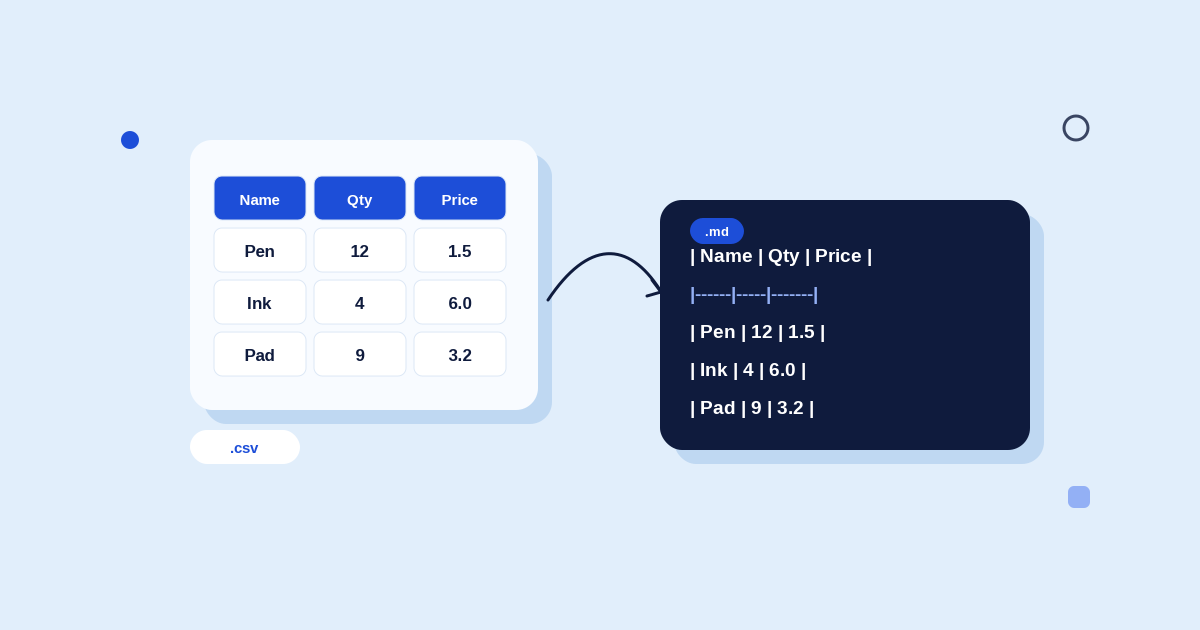
How to Convert CSV and Excel Cells to a Markdown Table
Move spreadsheet data into documentation while preserving cell boundaries and checking how the destination renders your table.
About 4 min read
Read guide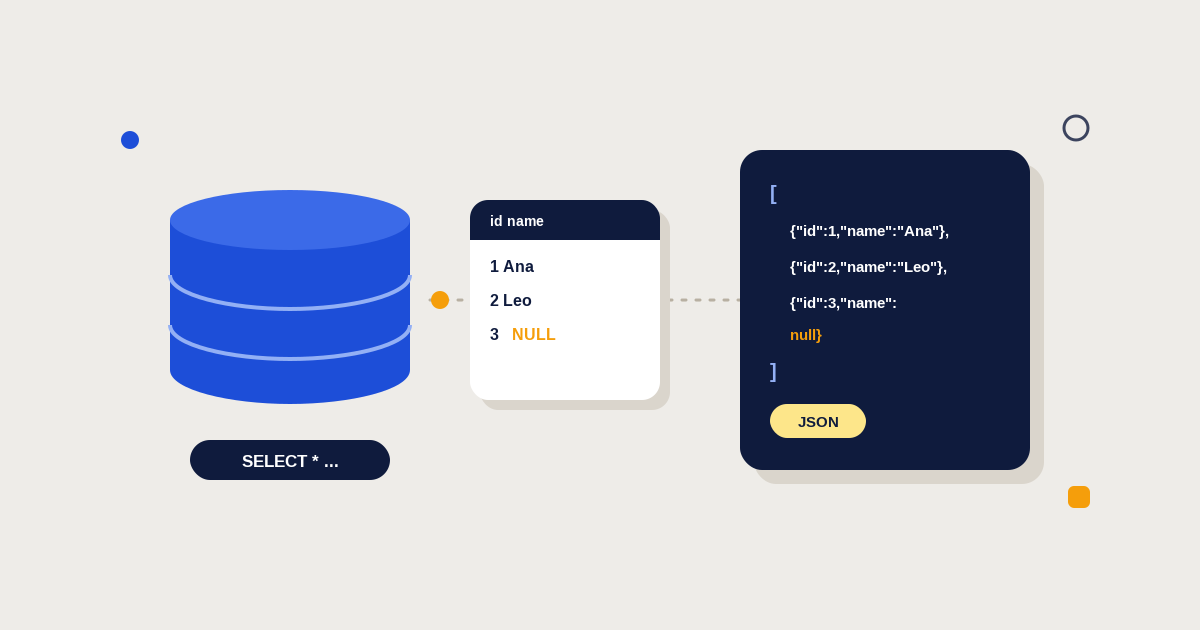
How to Convert SQL Query Results to JSON or Markdown
Reformat exported query results while keeping row structure, identifiers and NULL conventions clear for readers and applications.
About 5 min read
Read guide