

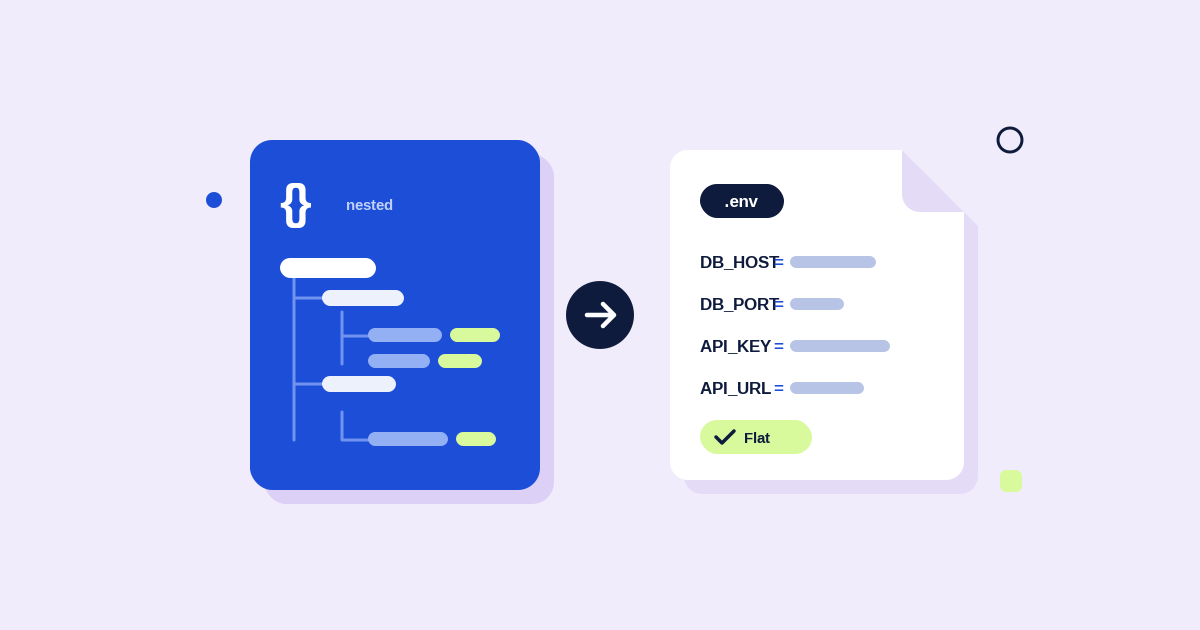
Cloud dashboards and application APIs often return configuration as nested JSON, while a local process expects flat environment names. The conversion needs more than removing braces: you must choose how paths, arrays, empty values and possible naming collisions should behave.
The JSON to .env Extractor turns supported nested objects into uppercase underscore-separated assignments. This guide focuses on that flattening workflow. For a flat configuration or the reverse direction, use the separate ENV / JSON conversion tutorial.
Map a nested path to an environment name
Consider this invented JSON configuration:
{
  "database": {
    "host": "localhost",
    "port": 3306
  },
  "app": {
    "debug": false
  }
}
The flattened output is:
DATABASE_HOST="localhost"
DATABASE_PORT="3306"
APP_DEBUG="false"
Each leaf value becomes one assignment. Its name is built by uppercasing the path segments and joining them with underscores. Nested objects contribute names rather than becoming environment values themselves.
This naming convention is useful only if it matches what your application expects. A successful conversion does not change the application's code to read a new variable automatically.
Extract key-value pairs step by step
- Paste a JSON object into the extractor, using fictional values while testing.
- Choose whether arrays should be indexed or rejected.
- Choose whether null values should become empty strings or cause an error.
- Run the extraction and inspect every generated name.
- Copy or download only after comparing important settings with your application's expected variables.
Use the JSON Formatter when malformed JSON needs attention first. Comments and trailing commas are not valid JSON input for this workflow. The root must be an object, even when you permit arrays inside that object.
Decide what to do with arrays
With indexed arrays enabled, a value such as {"servers":["one","two"]} produces names containing positions, such as SERVERS_0 and SERVERS_1. That gives every leaf an address, but it does not guarantee that the receiving application understands indexed environment variables.
Some applications instead expect one serialized string or a specifically named list variable. In that case, adjust the source configuration to the documented convention rather than treating the generated names as a universal standard.
An empty object or array has no leaf value to export. Replace it with a meaningful supported value or remove it from the configuration example after deciding what the empty container meant.
Watch for flattening collisions
Two different paths can produce the same flat key:
{
  "database_host": "first.example",
  "database": {"host": "second.example"}
}
Both would become DATABASE_HOST. Likewise, mode and MODE become identical after uppercasing. The extractor rejects collisions instead of silently choosing one value.
Resolve the ambiguity in the source names. Do not remove the warning by deleting whichever entry seems less important without checking the application's configuration contract. A failed conversion is safer than a plausible output that points the application at the wrong service.
Preserve values deliberately
Environment assignments represent strings. A JSON number or boolean becomes a string representation, while the selected null policy controls whether null is rejected or becomes an empty string. Null and empty are not interchangeable in every application.
Keep large identifiers and values requiring exact decimal representation as quoted JSON strings. JavaScript number parsing can otherwise lose information before a converter has a chance to export it. Review numeric-looking account codes, leading zeros and long reference numbers in particular.
Dotenv loading rules also vary across runtimes. Node.js explains its environment-file conventions; check your own loader for quoting and escape behavior before using generated settings.
Review and share configuration safely
Test with an example file containing dummy credentials, then compare the imported settings in a disposable local environment. Keep generated files out of public repositories when they contain secrets. Browser processing prevents an input upload by this tool, but clipboard history, downloads and screenshots create separate copies.
For structured records copied from a database, read SQL results to JSON and Markdown. A dataset containing many rows usually should not be flattened into application environment variables.
Frequently asked questions
Can flattening be reversed into the original JSON exactly?
Not generally. Uppercasing and joining paths can lose information about original spelling, nesting and types. Keep the original JSON as the source of truth.
Why are punctuation-containing keys rejected?
This extractor supports a conservative naming subset. Rename unsupported source keys with an application-appropriate convention rather than assuming punctuation will be converted safely.
Will this test the database connection?
No. It creates environment text locally; it does not contact a database or validate any credential.