

Loading the interface. JavaScript is required; controls stay disabled until ready.
Paste a JSON object. Nested keys become uppercase paths joined by underscores.
Review escaped values before copying them to your local application configuration.
Flattening, quoting and privacy
JSON root must be a nonempty object. Nested paths join with underscores and uppercase ASCII keys: database.host becomes DATABASE_HOST. Keys allow only letters, digits and underscores; final keys start with a letter or underscore and have at most 128 characters. Duplicate JSON members and flattened-key collisions stop conversion. Empty objects and arrays are rejected rather than silently lost.
All output values are double-quoted strings. Backslashes, quotes, dollars and line breaks are escaped using the same dialect as our ENV / JSON Converter. Numbers and booleans become text; null becomes empty or is rejected according to your setting. Arrays use zero-based indexes or are rejected. Numeric spelling may normalize through JavaScript; put large IDs and precise decimals in JSON strings to preserve them exactly. No variable interpolation or commands are evaluated. Dotenv dialects differ: verify with your application; this is not a shell script.
Maximum 250,000 input units, 20 nested containers, 20,000 visited nodes, 5,000 variables and one million output characters. The tool does not read your actual .env file, log or upload input, or load optional analytics on this page. Clear both or leaving the page clears fields. Copied/downloaded secrets may persist in clipboard history or files; extensions operate independently.
Convert API JSON Payloads directly to Local Env Files
Applications often read connection settings and feature flags from environment variables. An API may return those settings as nested JSON instead. This extractor turns each leaf into an uppercase key-value assignment so you can review it before adding it to a local configuration file.
- Paste a JSON configuration object or try the example without real credentials.
- Choose indexed or rejected arrays and empty or rejected null values.
- Extract, review the generated names and quoted values, then copy or download for your local application.
Nested JSON to flat configuration
{"database":{"host":"localhost","port":5432}}Becomes:
DATABASE_HOST="localhost"
DATABASE_PORT="5432"
These names follow a predictable convention, but your application must actually read those variable names. Flattening alone does not configure the application. Keep real credentials out of Git, shared screenshots and public support messages. This browser-only conversion does not send your structural keys or values to server logs.
Need the reverse direction or a flat string configuration round trip? Use the ENV / JSON Converter. Nested flattening is intentionally one-way: underscores do not retain enough information to reconstruct the original JSON hierarchy.
Questions & answers
Are my API credentials sent to a server?
No. The tool parses input in browser memory without uploading, saving or logging it. Optional analytics is disabled on this page. Copying and downloading create separate copies; clipboard history and browser extensions operate independently.
Can I reconstruct the original nested JSON from this file?
Not reliably. Uppercasing and joining keys with underscores loses the original key casing and nesting boundaries. Nulls may become empty strings and all environment values are text. Keep the original configuration separately if you need to reconstruct it.
Review generated names for ambiguity
Nested configuration often needs a flat naming scheme before it can be represented as environment assignments. Flattening requires choices about separators, arrays and nulls; it is not simply formatting the same structure in another notation.
A practical example
A nested database object with a host field produces DATABASE_HOST. A separate top-level database_host property can collide with that same name. The extractor rejects ambiguous flattened keys rather than silently choosing one value. Review generated names against the application variables you actually expect.
Choose array and null behavior
Arrays can use zero-based indexed names or be rejected. Nulls can become an empty quoted string or be rejected. Those choices change meaning: an empty string is not the same as JSON null. Empty containers and unsupported keys fail instead of disappearing unnoticed. Values become quoted environment strings.
Keep the original nested configuration
Uppercasing and joining path segments loses original casing and nesting boundaries, so reverse reconstruction is not reliable. Use the flat converter for supported flat round trips instead. This extractor does not execute commands, install variables or guarantee compatibility with every dotenv loader. Check the output with your application using a non-sensitive example first.
Choose your next task
- JSON formatter: Validate and inspect the nested source before extraction.
- Flat .env and JSON converter: Convert flat assignments while preserving string values.
- How to Flatten Nested JSON into .env Key-Value Pairs: Map nested configuration paths to environment names and handle arrays, nulls and conflicting keys deliberately.
Learn how to use this tool

How to Convert .env to JSON and Back Without Losing Values
Convert flat environment settings without guessing types, then review object and key/value-array outputs before using the result.
About 4 min read
Read guide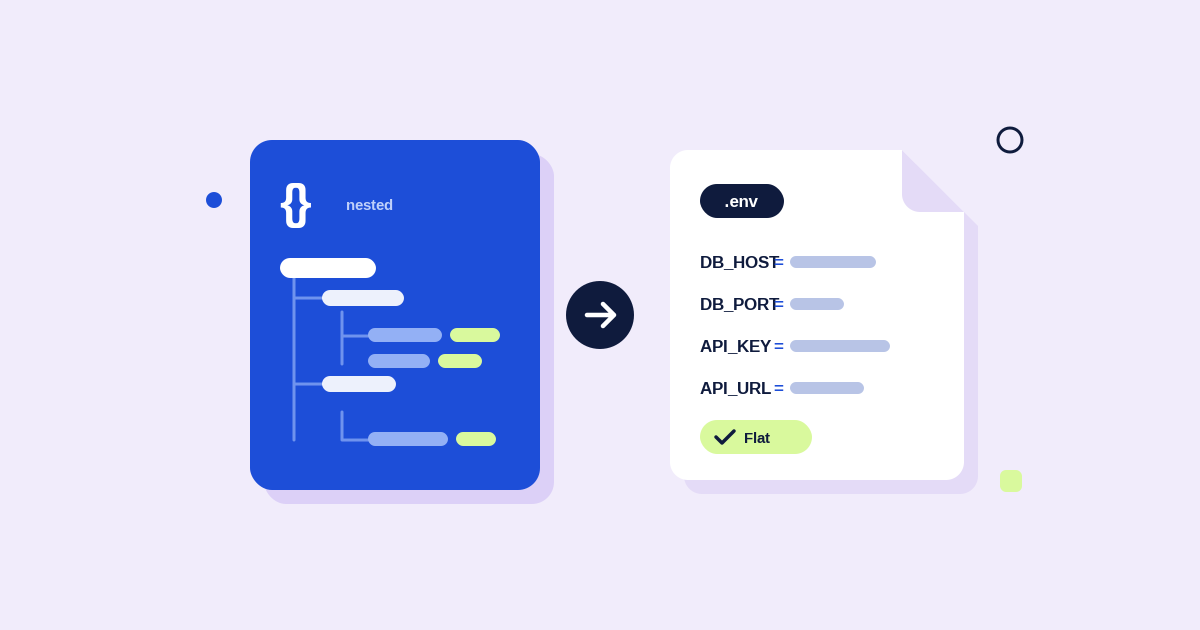
How to Flatten Nested JSON into .env Key-Value Pairs
Map nested configuration paths to environment names and handle arrays, nulls and conflicting keys deliberately.
About 4 min read
Read guide