

Loading the interface. JavaScript is required; controls stay disabled until ready.
Paste a three-part token, with or without a Bearer prefix. Decode to inspect its declared claims.
Signature not verified. Decoded claims are untrusted.
- Expires (exp)
- Issued (iat)
- Not before (nbf)
Times show UTC and your local timezone. Countdown uses your device clock, refreshes each second and applies no server clock-skew allowance. Timing alone does not prove a token is authentic, accepted or unrevoked.
Algorithm and metadata as declared by the token.
Unverified claims, displayed as text without executing links or markup.
What this debugger checks
Three-part compact JWTs only, maximum 65,536 characters. Header and payload must be Base64URL-encoded UTF-8 JSON objects. Duplicate JSON members, unsafe integer values, excessive nesting and malformed encodings are rejected. Encrypted five-part JWE and unencoded JWS payloads are unsupported. exp, iat and nbf use NumericDate seconds, including fractional values. Missing or invalid exp has no countdown; it does not mean the token never expires.
This tool does not verify signatures, fetch keys, validate issuer/audience, check revocation or authorize access. The demo token is unsigned. Browser extensions and clipboard history are outside the tool's control. Clear token erases both decoded views; leaving the page clears token fields.
How to use
Paste a three-part JWT or try the unsigned demo. Decode and inspect the header, payload and declared timing. Copy decoded JSON if needed, then clear the token.
Examples & use cases
The demo creates an unsigned token with exp one hour ahead of your device clock. It demonstrates the countdown and cannot establish authentication.
About this tool
Inspect three-part compact JWTs without uploading tokens or fetching keys. Supports UTF-8 JSON and NumericDate exp, iat and nbf claims, including fractional seconds. Decoding does not verify the signature, issuer, audience, revocation or authenticity. Optional tracking is disabled on this page. Encrypted JWE, unencoded payloads, duplicate JSON members and unsafe integer values are rejected.
Questions & answers
Does an unexpired token mean it is valid?
No. The countdown only compares the unverified exp claim with your device clock. The application receiving a token must separately verify its signature and required claims and apply its own clock-skew and revocation policies.
Read an expiry claim correctly
A JWT decoder reveals the declared header and payload of a supported three-part compact token. That is useful for debugging claims and timestamps, but readable JSON does not establish who issued the token or whether a service should accept it.
A practical example
The exp claim uses seconds since the Unix epoch, not milliseconds. A countdown compares that declared value with your device clock. A fast or slow local clock changes the displayed time remaining. Expiry is only one check: an unexpired token can still have a bad signature, wrong audience or revoked credentials.
Decoding and verification are different tasks
This page does not fetch signing keys, verify a signature or check a token against a remote identity provider. Editing the decoded expiry text cannot extend a signed token; the issuer must issue a valid replacement under its own rules. Use the unsigned demo to learn the interface without pasting a working access token.
Inspect the supported token form
The tool accepts three-part compact JWTs with UTF-8 JSON and supported NumericDate claims. Encrypted JWE, unencoded payloads, duplicate JSON members and unsafe integers are rejected. Do not treat those errors as a general statement about every JWT implementation. Clear sensitive tokens after inspection and remember that clipboard history is separate from this page.
Choose your next task
- Unix timestamp converter: Read an individual seconds-based claim as a timestamp.
- Base64 encoder and decoder: Explore encoding separately without treating it as token verification.
- JSON formatter: Inspect copied claim JSON without changing authentication decisions.
- How to Decode a JWT and Check Its Expiry Time: Read JWT time claims, work through a countdown example and separate token inspection from authentication and signature verification.
Learn how to use this tool
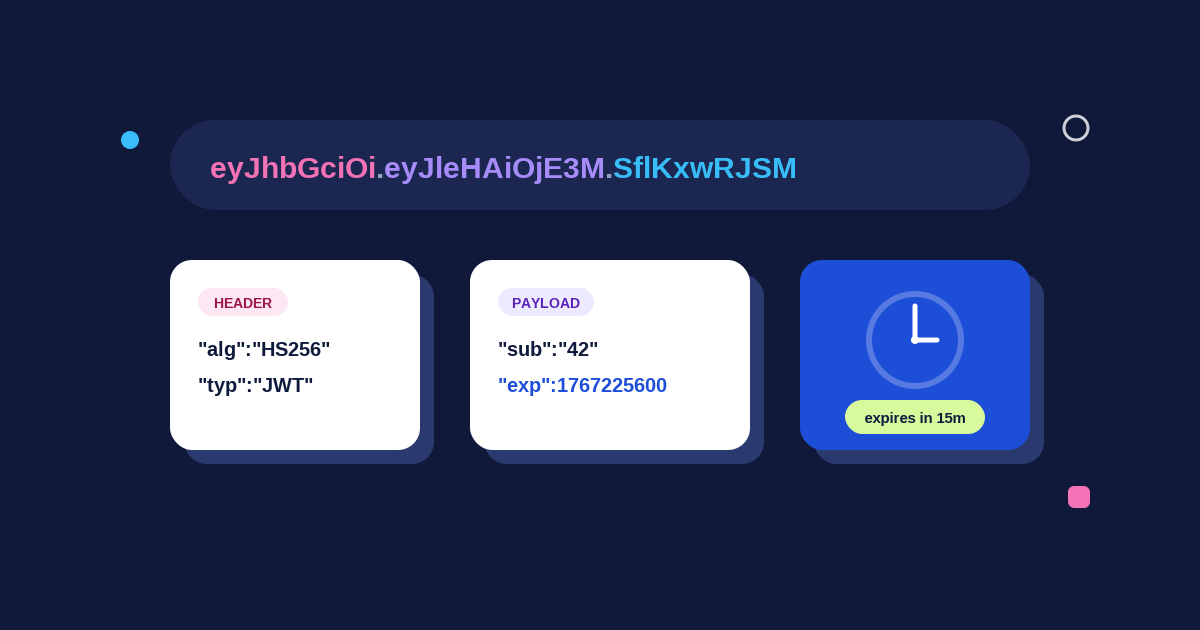
How to Decode a JWT and Check Its Expiry Time
Read JWT time claims, work through a countdown example and separate token inspection from authentication and signature verification.
About 4 min read
Read guide