

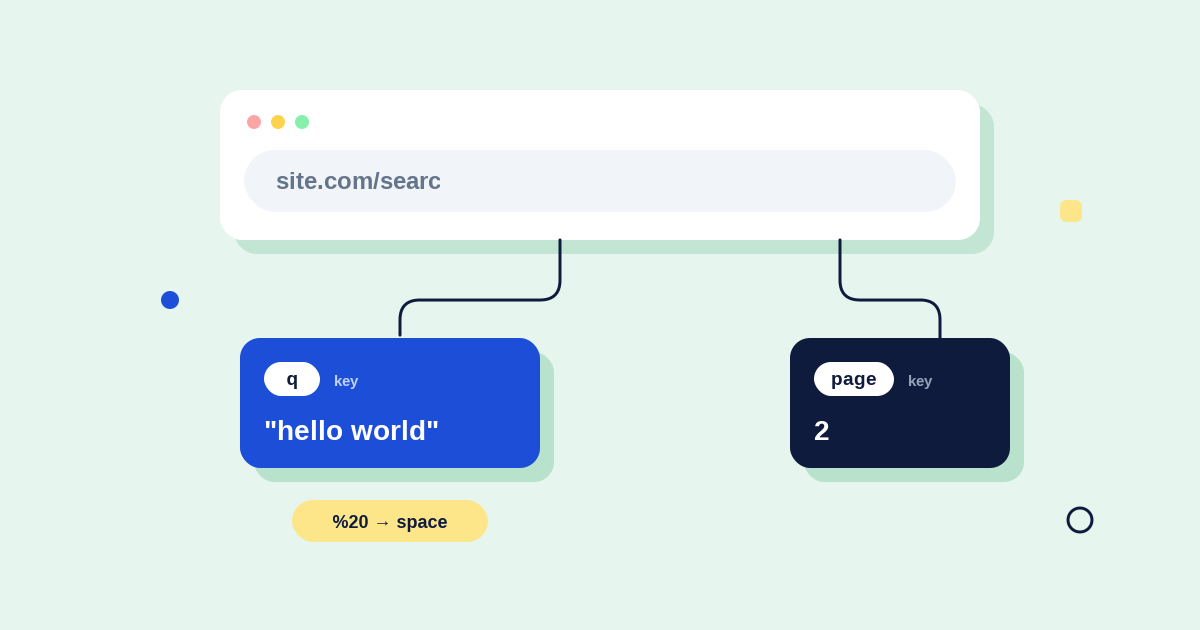
A campaign URL can contain far more information than its visible page address suggests. Tracking fields, filters and repeated values all sit in the query string, where percent encoding makes manual inspection harder. Parsing the URL turns that string into a list you can review one pair at a time.
The URL Query Parameter Parser extracts supported query data without opening the pasted address. That makes it useful for debugging link structure before testing a campaign in your own environment.
Identify the parts of a URL
Start with this fictional example:
https://example.com/catalog?utm_source=newsletter&tag=tools&tag=writing#details
The protocol is https:, the hostname is example.com, and the path is /catalog. The query begins after ? and ends before #. The fragment is details; it is separate from the query parameters.
The parameter list contains three pairs:
| Key | Value |
|---|---|
| utm_source | newsletter |
| tag | tools |
| tag | writing |
The two tag entries are intentional. Repeated keys are not automatically invalid, and converting this list into a plain object could discard one value.
Parse a URL or query string step by step
- Choose whether the input is a complete HTTP(S) URL or a query string.
- Paste the example in the matching format.
- Select Parse parameters.
- Review the anatomy fields and each key/value pair.
- Copy individual values or the JSON pair array when you need a structured record.
If a valid address has no query parameters, an empty parameter list is the expected result. The absence of ? is not a broken URL.
For creating campaign tags, use the UTM Builder. Inspect the completed link afterward rather than assuming every copied campaign URL is still correct.
Understand decoded values
Spaces and punctuation can appear as encoded sequences. Under query parsing rules, q=writing+tools represents a value containing a space, while q=writing%2Btools contains a literal plus sign.
The parser uses the browser's URL APIs to decode query names and values. MDN documents URLSearchParams decoding and repeated parameters. Applying another decoding pass to an already decoded value can change its meaning.
For example, %252F decodes once to %2F; decoding twice would turn it into /. The second result is not necessarily what the sender originally meant at this layer. Inspect nested or encoded URLs with awareness of which layer you are reviewing.
The URL Encoder / Decoder can help study an isolated encoded component. Avoid encoding an entire complete URL as though all its structural punctuation belonged inside one value.
Preserve duplicates when exporting
A key/value pair array retains order and repeated keys:
[
  {"key": "tag", "value": "tools"},
  {"key": "tag", "value": "writing"}
]
This is often a better inspection format than a JSON object for real URLs. An object property can hold an array, but creating that grouped structure requires a deliberate policy. Do not silently overwrite a repeated campaign field while investigating why a receiving system behaves differently.
Use the JSON Formatter to inspect a copied pair array alongside other diagnostic data. If you are comparing it with query-result rows, the SQL result conversion guide explains how to preserve table structure.
What a parser cannot prove
Correct syntax does not establish that a destination is safe, that it returns a working page or that a campaign is being recorded. This tool never fetches the pasted URL, so it cannot inspect redirects, server responses or analytics configuration.
Review campaign naming consistency separately. A value such as newsletter versus Newsletter may be treated differently by a downstream system. Confirm the receiving platform's rules and test events in that system before relying on reports.
Avoid putting passwords, access tokens or personal data into query strings. Such URLs can be copied, logged or shared outside the parser even when the parsing itself stays in your browser.
Frequently asked questions
Are repeated parameters always a mistake?
No. Multi-select filters can legitimately repeat a key. Whether a receiver keeps all values depends on its implementation.
Why is the fragment not listed as a parameter?
The fragment follows # and has a different role from the query. The tool displays it separately in URL anatomy.
Can this confirm that my UTM campaign is tracked?
No. It shows the URL's contents. Tracking needs a separate test in your analytics setup.